
Ever find yourself frantically searching for a charger while your iPhone teeters on the edge of battery death? It’s like a modern-day horror story. You’re not alone; countless users face the same dilemma. But what’s really draining that precious battery life?
Common Battery Drainers on iPhone
Battery life issues affect many iPhone users. Several common factors contribute significantly to rapid battery depletion.
Background Apps
Background apps drain battery life. They run processes even when not in use. Unused applications consume power for notifications and updates. To manage this, close apps running in the background. Regularly checking the app switcher helps identify which apps need closing. Disabling background app refresh can further enhance battery efficiency.
Location Services
Location services play a crucial role in battery consumption. Apps using GPS or location settings require extra power. Frequent location updates intensify battery usage. Adjusting settings allows users to limit location access. Choosing “While Using the App” over “Always” helps preserve battery life. Disabling location services for non-essential applications prevents unnecessary drains.
Display Brightness
Display brightness significantly impacts battery performance. Brighter screens consume more power, especially in poorly lit environments. Using automatic brightness adjusts screen settings based on surrounding light. Users can also manually reduce brightness in settings. Enabling Night Shift mode reduces battery usage by adjusting colors for night viewing. Lowering brightness creates a more efficient device experience.
Settings Impacting Battery Life
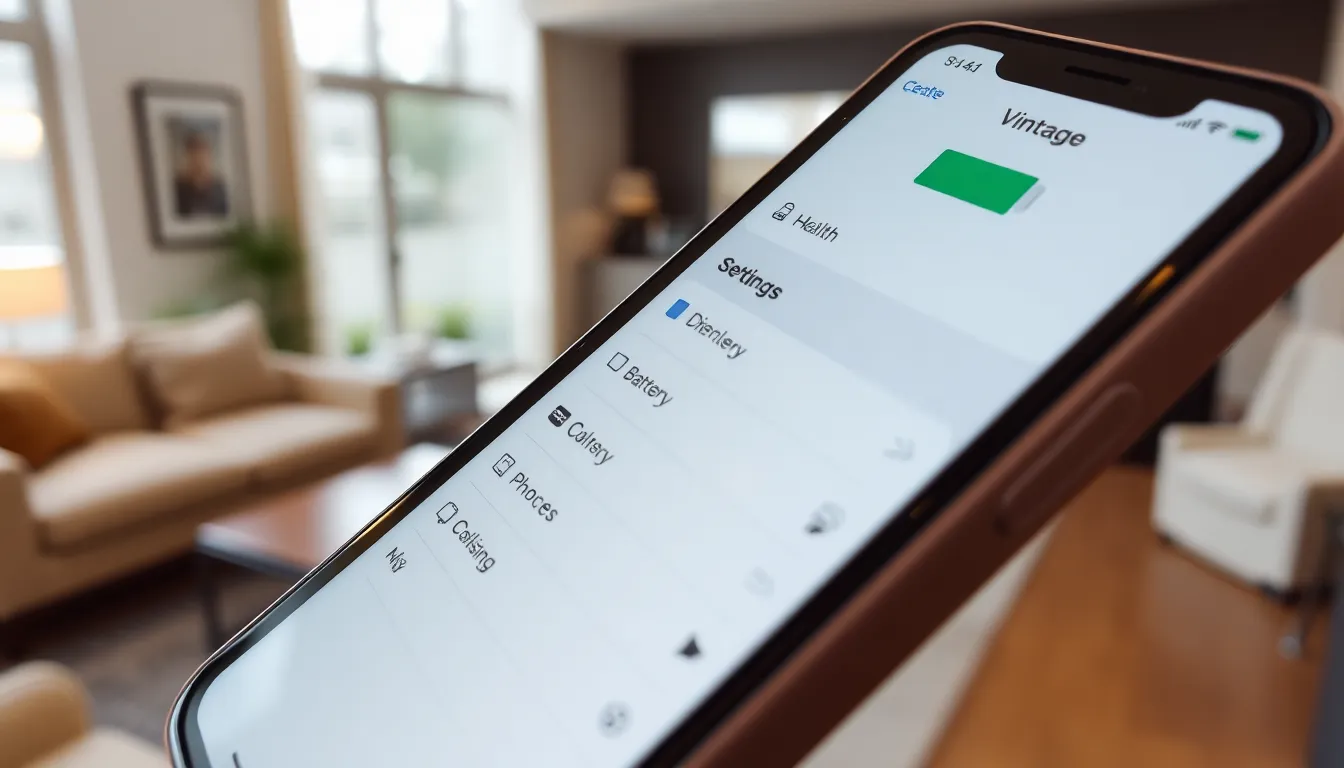
Settings on an iPhone can significantly influence battery life. Understanding these factors helps users make informed decisions to maximize their device’s efficiency.
Battery Health Monitoring
Battery health monitoring provides critical insights into iPhone performance. Users can check battery health in the Settings under Battery. A battery health percentage below 80% indicates reduced capacity, prompting users to consider battery replacement. Regularly monitoring battery health helps track deterioration and adjust usage accordingly. Notifications about apps that contribute to battery drain also appear, offering actionable steps to enhance performance.
Power-Saving Mode
Power-saving mode extends battery life during crucial moments. Users can activate this feature in the Settings menu. Once enabled, it automatically reduces background activity, dims the display, and limits visual effects. Key benefits include longer usage periods between charges. Users should consider activating power-saving mode when battery levels fall below 20%. This setting can extend device longevity, ensuring continued accessibility when charging isn’t possible.
External Factors Affecting Battery
External factors can significantly impact an iPhone’s battery life. Users must be aware of how these elements contribute to battery drain.
Temperature Influence
Temperature plays a crucial role in battery performance. Extreme heat can lead to accelerated battery aging, while cold conditions may cause batteries to drain rapidly. The optimal operating temperature for an iPhone ranges from 32°F to 95°F (0°C to 35°C). Operating outside this range often results in unexpected shutdowns or slower performance. Users should avoid leaving their devices in hot cars or near heat sources to protect battery integrity. Similarly, exposure to cold can temporarily reduce battery capacity. Keeping the iPhone at a moderate temperature helps maintain its efficiency.
Connectivity Options
Connectivity settings have a tangible effect on battery usage. Using features like Bluetooth, Wi-Fi, and cellular data while not in use can result in significant power drain. Disabling Bluetooth and Wi-Fi when they aren’t needed can conserve energy. Users should also consider adjusting cellular settings. Switching from 5G to LTE not only improves battery life but also maintains network reliability. Additionally, location services require constant communication, leading to further battery drain. Limiting these connectivity options during periods of inactivity fosters a longer-lasting battery.
Usage Habits and Their Effects
Usage habits play a crucial role in determining how quickly an iPhone battery drains. Understanding these patterns can help users make informed decisions about their device usage.
App Usage Patterns
App usage patterns significantly impact battery life. Social media and gaming apps often run in the background, consuming power for updates and notifications. Regularly closing unused apps reduces this drain. Users should also monitor which apps consume the most battery, since certain applications may use more resources than expected. Investigating battery usage statistics in Settings aids in identifying apps that warrant limited use. Furthermore, adjusting app settings to reduce background activity leads to improved battery performance. Finding a balance between necessary app usage and battery conservation is essential for extending device life.
Streaming vs. Downloading
Streaming content on platforms like Netflix or Spotify can drain the battery faster than downloading. Streaming requires continuous data transfer, which consumes significant power. Downloading content allows for offline access, reducing the need for constant internet connectivity. This method conserves battery life, especially during travel or in areas with poor reception. Users can download movies or music while charging the device, optimizing battery performance for later use. As a result, choosing to download over streaming when feasible promotes longer battery life and enhances overall device efficiency.
Understanding what drains an iPhone’s battery is crucial for maximizing its performance. By taking simple steps like managing background apps and adjusting location services, users can significantly extend battery life. Monitoring battery health and utilizing power-saving modes ensures that the device remains functional when needed most.
Additionally, being mindful of environmental factors and connectivity settings plays a key role in maintaining battery integrity. With these strategies in place, users can enjoy a more reliable and efficient iPhone experience, reducing the frustration of unexpected battery depletion.